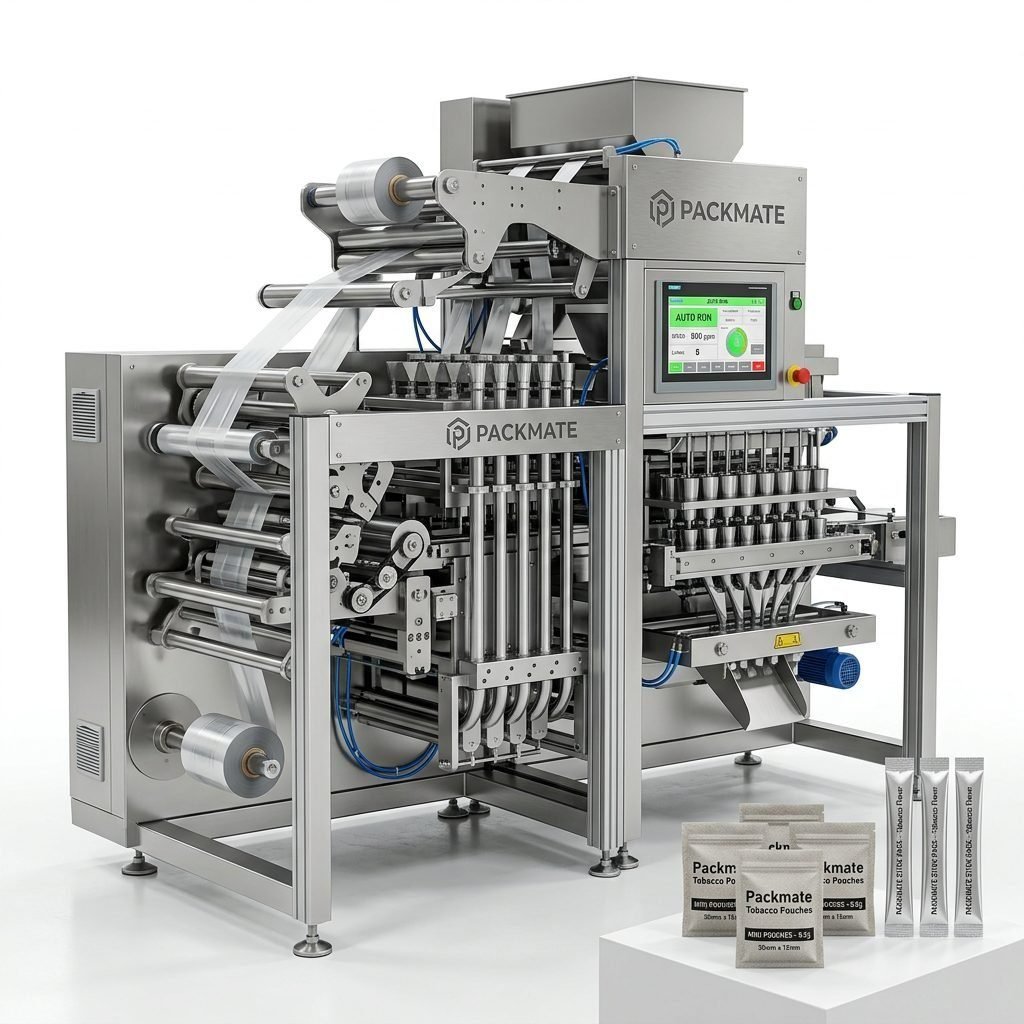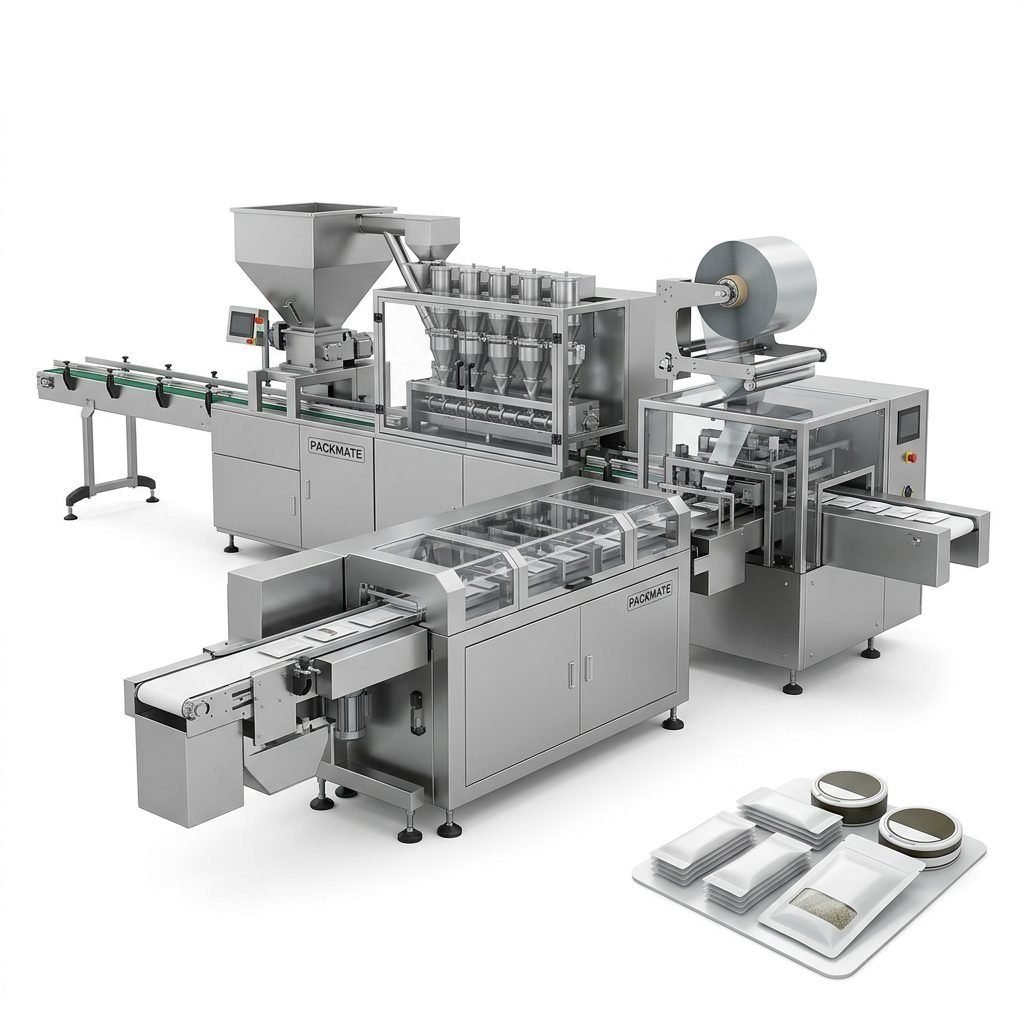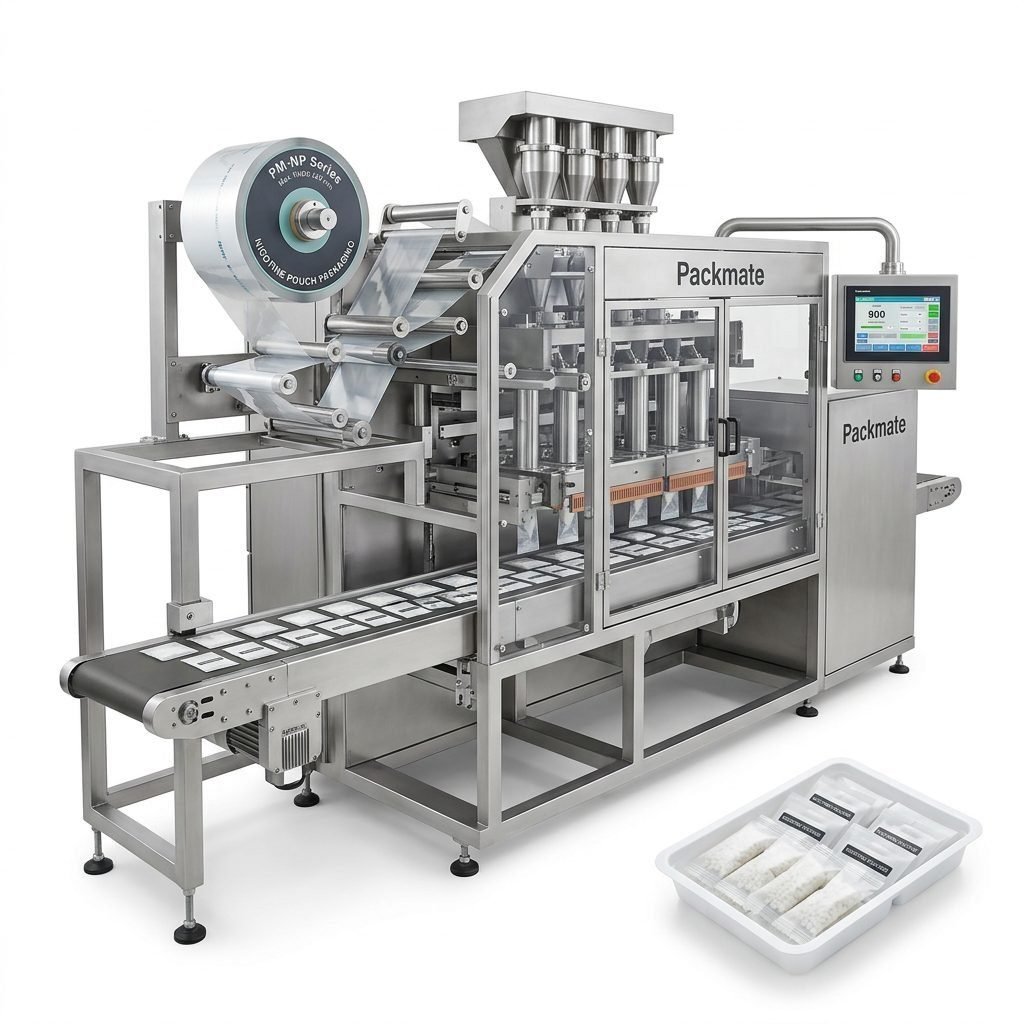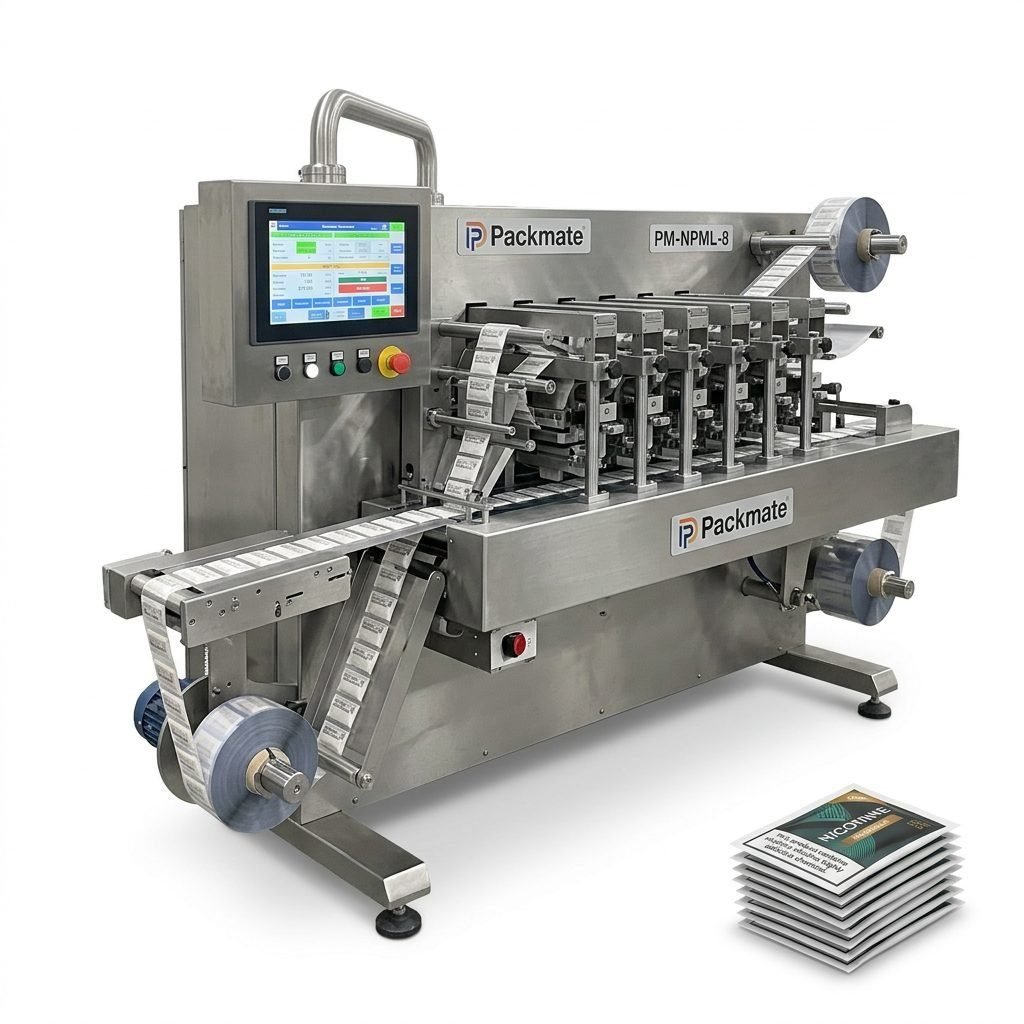
Remote support for snus packing machines has become a critical component of modern production lines. With global supply chains and distributed manufacturing sites, skilled technicians cannot always be on-site quickly. Effective remote troubleshooting and optimization help manufacturers reduce downtime, improve machine throughput, and avoid costly production losses. This guide explains pragmatic remote support workflows, diagnostic steps, optimization strategies, and ways to prepare both your machine and team for fast, secure assistance.
⚙️ Why Remote Support Matters for Snus Machines
Remote support delivers faster reaction times and often resolves issues without a field visit. For snus and nicotine pouch packaging lines — which include multi-lane filling, sealing, and feeding systems — even a short stoppage can cause lot mismatches, product waste, and missed shipments. Remote technicians can access PLC logs, review sensor data, and advise operators on targeted fixes, enabling higher machine availability and more predictable output.
Key benefit: Reduced mean time to repair (MTTR) through immediate diagnostics, remote parameter tuning, and operator guidance. Packmate customers often see faster issue resolution when remote access is available.
📋 Common Remote Diagnostics
When a support call begins, technicians will generally request the following information and checks. Preparing these items speeds resolution.
-
PLC and HMI screenshots or live screen sharing of alarms and error codes.
-
Recent machine logs and timestamped events surrounding the fault.
-
Video clips of the machine during fault reproduction (feeding, film movement, sealing, or pouch ejection).
-
Verification of mechanical checks: belt tension, sensor alignment, and nozzle cleanliness.
-
Network connectivity status and whether the machine is behind a firewall or VPN.
🔧 Step-by-Step Remote Troubleshooting Workflow
A consistent workflow keeps communication clear and minimizes mistaken actions. Follow this ordered approach:
Step 1 — Stabilize: Put the line into a safe state (pause or slow speed) and collect immediate alarm messages.
Step 2 — Share: Enable screen sharing or upload logs, and provide clear-time stamped videos showing the fault. Share packaging material batch numbers and CIP/maintenance history if relevant.
Step 3 — Diagnose: Technicians will check I/O states, motor currents, encoder signals, and heater zones. Expect requests to run single-cycle or jog functions while streaming.
Step 4 — Apply Fix: Remote parameter adjustments, soft resets, or guided mechanical actions (e.g., sensor cleaning, film rethreading). Always confirm corrective steps in writing in the support chat to avoid ambiguity.
⚡ Quick Fixes Often Achieved Remotely
-
Reset or clear transient error flags in the PLC.
-
Tune feed and sealing timing for new film or pouch material.
-
Adjust vacuum or blower timing to correct pouch pick-up failures.
-
Update HMI recipe values and save working sets for repeatability.
📈 Optimizing Performance and Calibration Remotely
Remote optimization focuses on repeatable throughput while protecting product integrity. Key calibration activities include:
-
Servo tuning and PID adjustments to reduce cycle variances.
-
Recipe standardization across shifts to ensure pouch weight and seal quality consistency.
-
Preventative checks on heaters and thermocouples; advise on heater power profile changes for new laminates.
For detailed machine specifications and model choices, reference Packmate’s product pages such as
Snus & Nicotine Packaging Machines and the
Sachet & Stick Pack Machines.
⏱️ Reducing Downtime with Proactive Remote Maintenance
Proactive measures greatly shrink the window for reactive fixes. Implement scheduled remote health checks and trending:
-
Weekly log review for rising error frequency or repeated warnings.
-
Monthly remote calibration of load cells, weighers, and dosing systems.
-
Remote firmware and HMI updates tested on a staging machine before production deployment.
Pro tip: Keep a “golden recipe” backed up offsite and accessible to remote technicians to recover line settings quickly after resets.
🔒 Connectivity & Security Best Practices
Remote access must be safe. Best practices include using a managed VPN, role-based access accounts, and two-factor authentication. Log all remote sessions and share temporary access tokens rather than permanent credentials. Confirm compliance with local data and network policies before enabling remote support.
🚩 When to Escalate to On-Site Support
Some issues demand hands-on intervention: major mechanical failures, electrical component replacement, or safety interlock faults that cannot be replicated remotely. Use remote diagnosis to precisely define the required spare parts and technician skillset, which shortens on-site repair time.
👥 Preparing Your Team for Efficient Remote Support
Empower local operators with simple checklists and the right tools so remote technicians can act faster.
Tools & Data to Keep Ready
-
Access to HMI/PLC credentials and machine serial numbers.
-
A smartphone or tablet for live video, plus a tripod or stand for steady views.
-
A shared cloud folder for logs, photos, and vendor documentation.
Clear Communication Protocols
Use a single support channel (chat or ticket) to avoid fragmented advice. Label messages with timestamps, operator names, and the step performed. If multiple shifts are involved, ensure handover notes include actions already taken so technicians do not repeat steps unnecessarily.
For additional resources, machine brochures and system integrations can be explored on Packmate’s website:
Service,
Case studies, or contact sales directly at
Contact Us.
✅ Conclusion
Remote support for snus packing machines bridges the distance between expert technicians and production floors. By standardizing data exchange, enabling secure connectivity, and training operators in simple triage actions, manufacturers can resolve many faults remotely, optimize performance, and significantly reduce unplanned downtime. Build a remote support playbook tailored to your line, maintain spare parts lists, and keep clear communication channels to ensure the fastest, safest repairs.
Frequently Asked Questions
Q1: What information should I prepare before calling remote support?
Provide PLC/HMI screenshots, error codes, recent logs, video of the fault, packaging material batch details, and the machine serial number. These items let technicians diagnose remotely and often avoid site visits.
Q2: Can firmware updates be performed remotely?
Yes, with proper backups and a controlled process. Technicians typically stage updates on a test machine or apply updates during planned downtime to prevent unintended disruptions.
Q3: How is remote access secured?
Use temporary VPN sessions, two-factor authentication, and role-based user accounts. Log and record sessions and revoke access tokens after the support event.
Q4: What if a problem cannot be solved remotely?
Remote diagnosis should identify the failed component and required spare parts. This minimizes onsite time because technicians arrive equipped with the correct parts and instructions.
Q5: How can we measure remote support effectiveness?
Track metrics such as mean time to acknowledge, mean time to repair, percentage of incidents resolved remotely, and production loss hours before and after implementing remote support. Continuous improvement keeps your snus packaging lines running reliably.