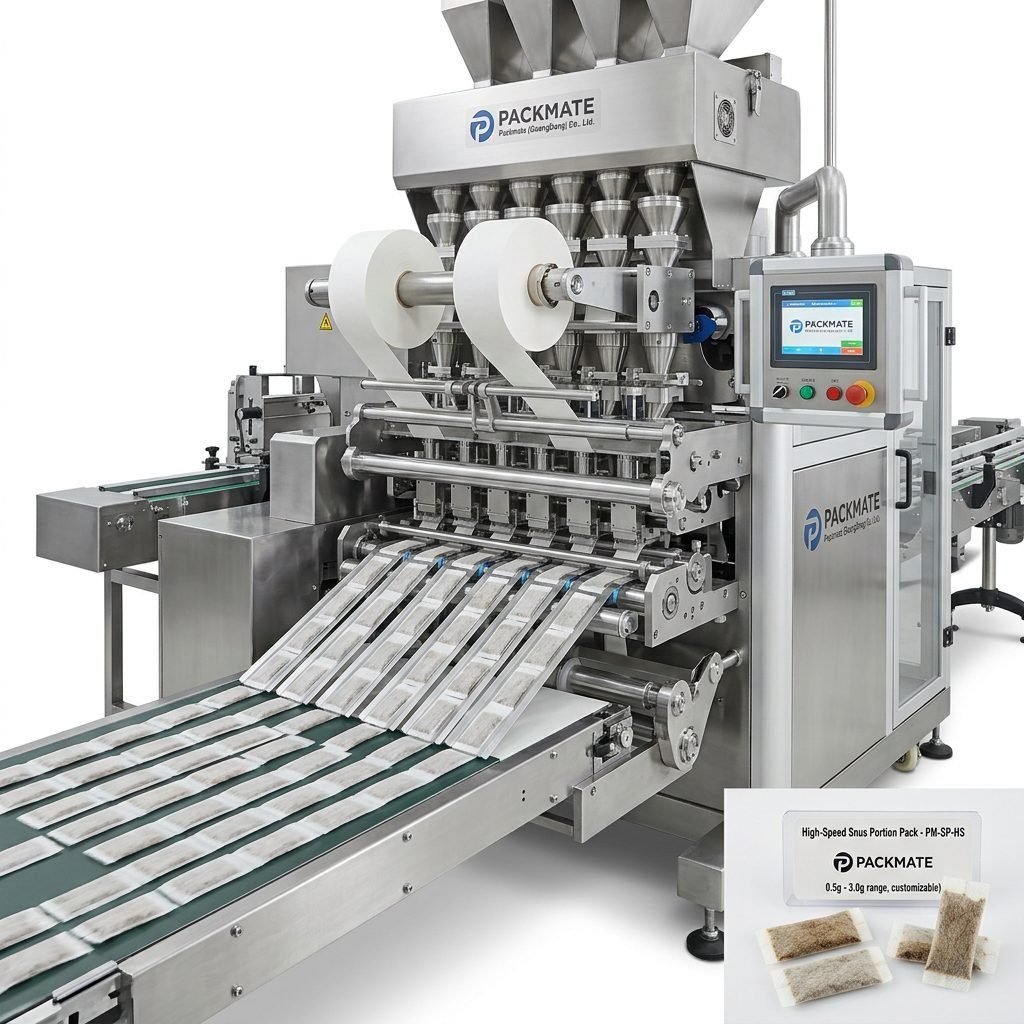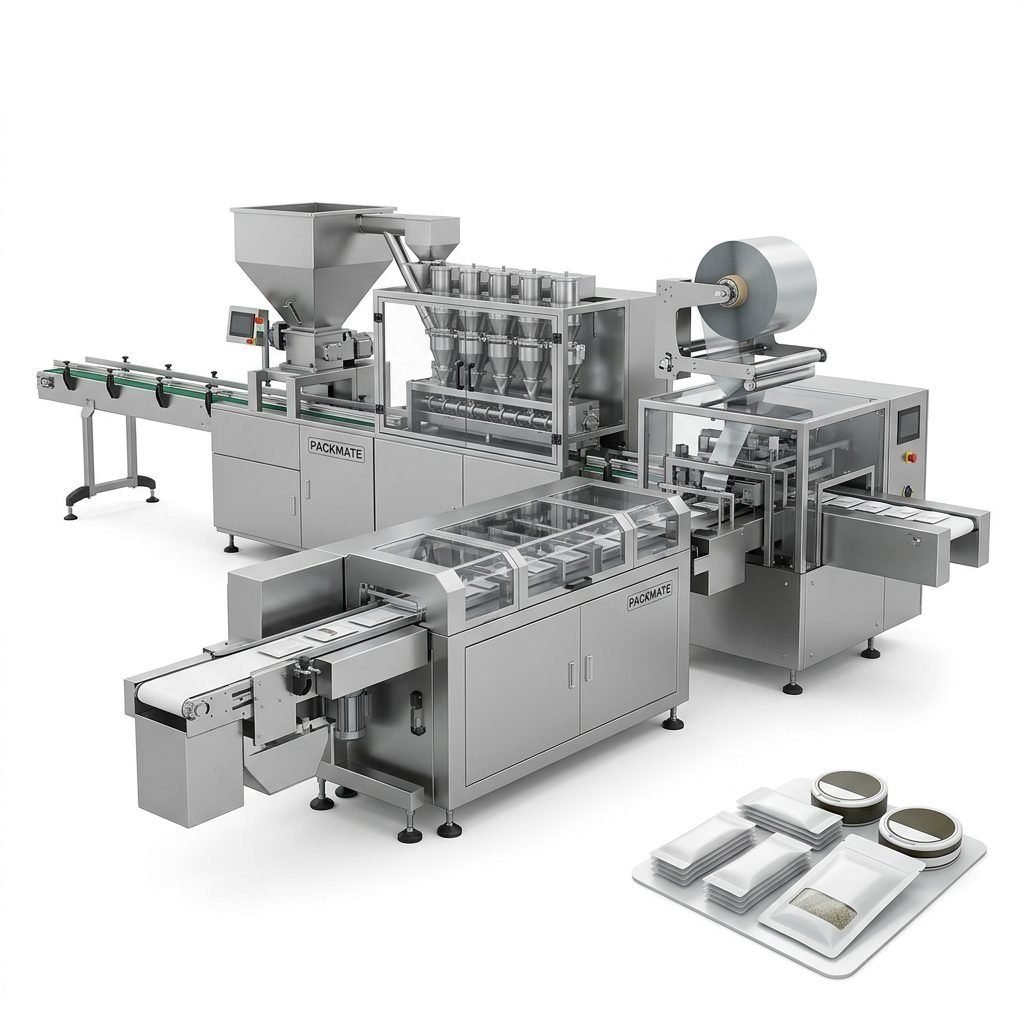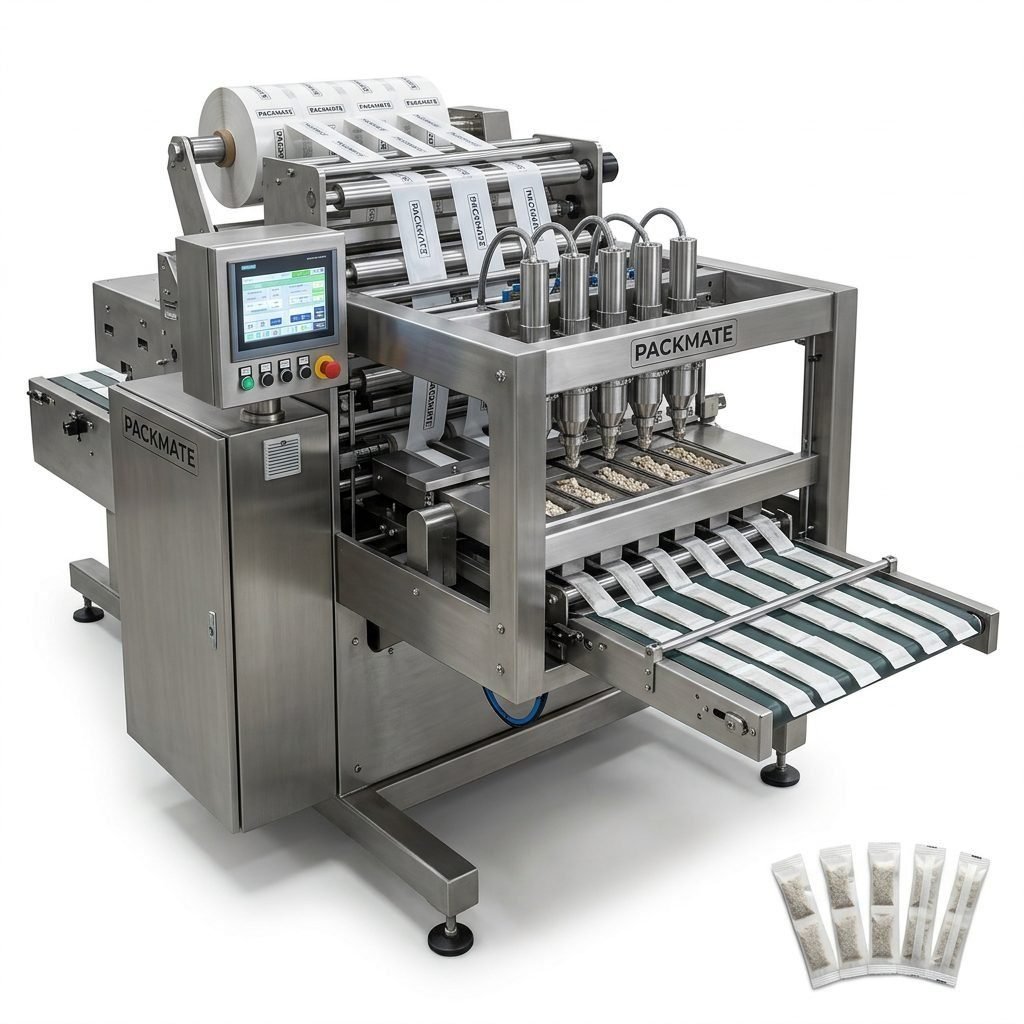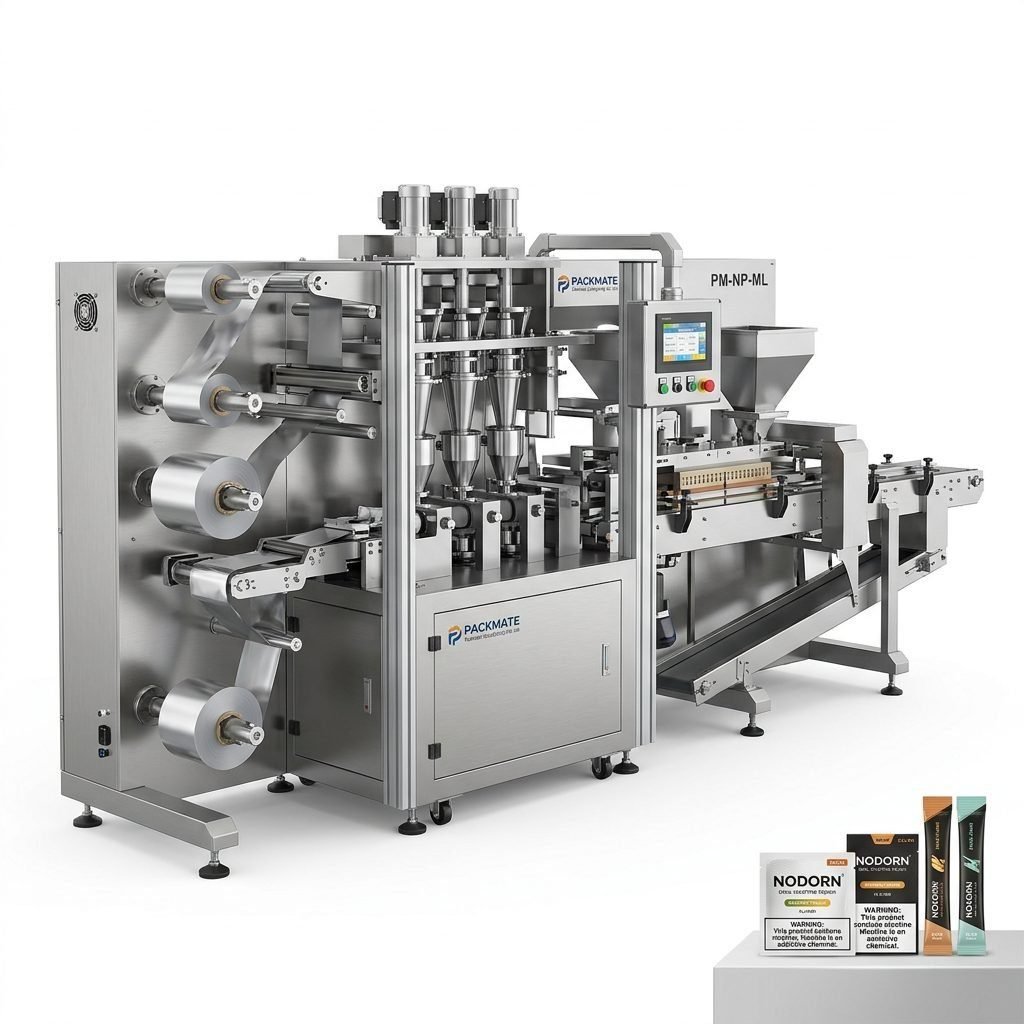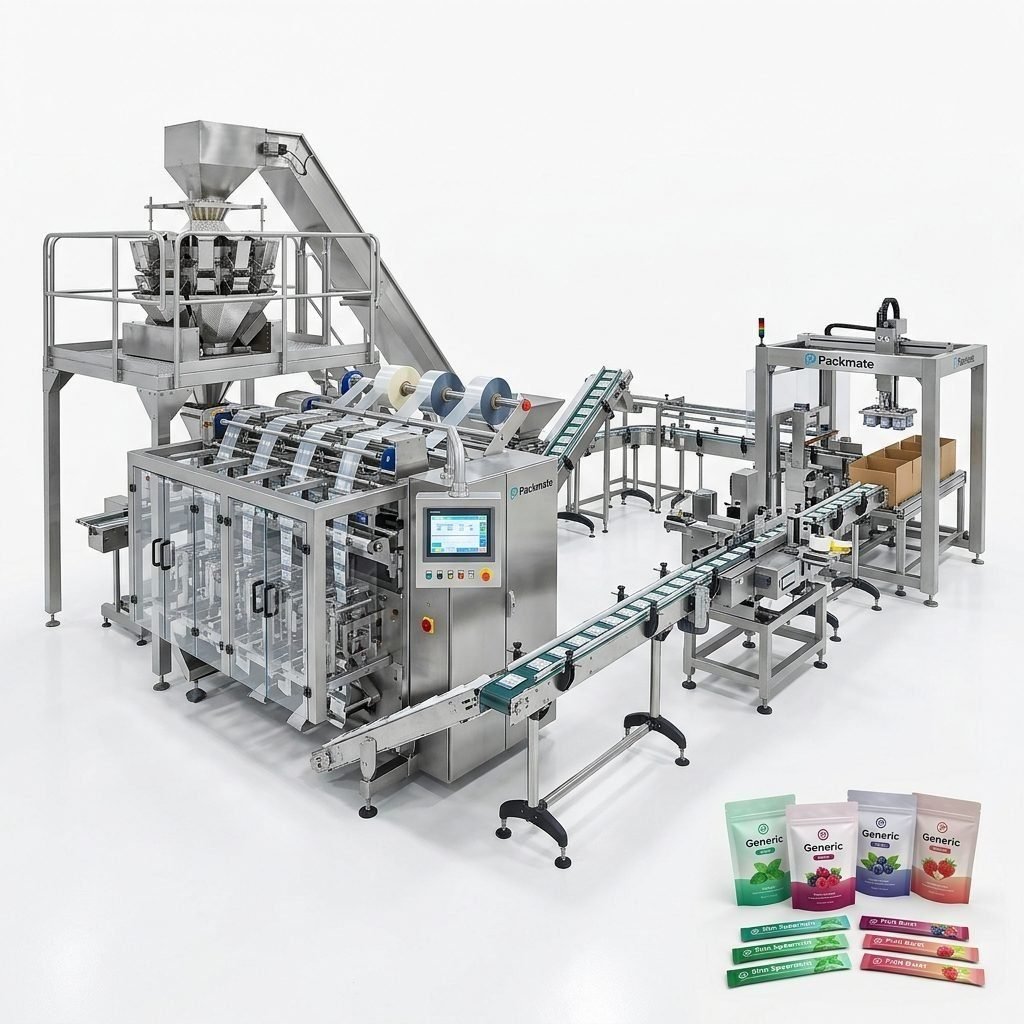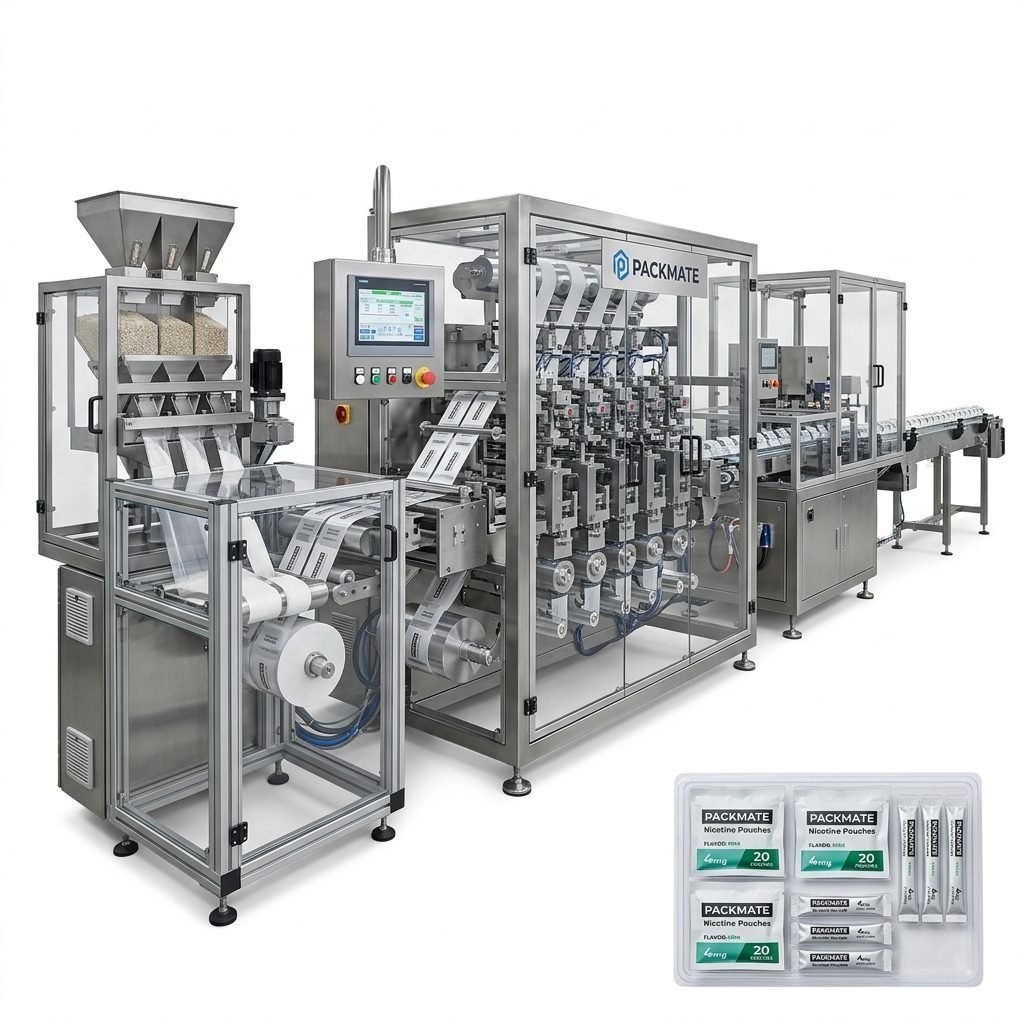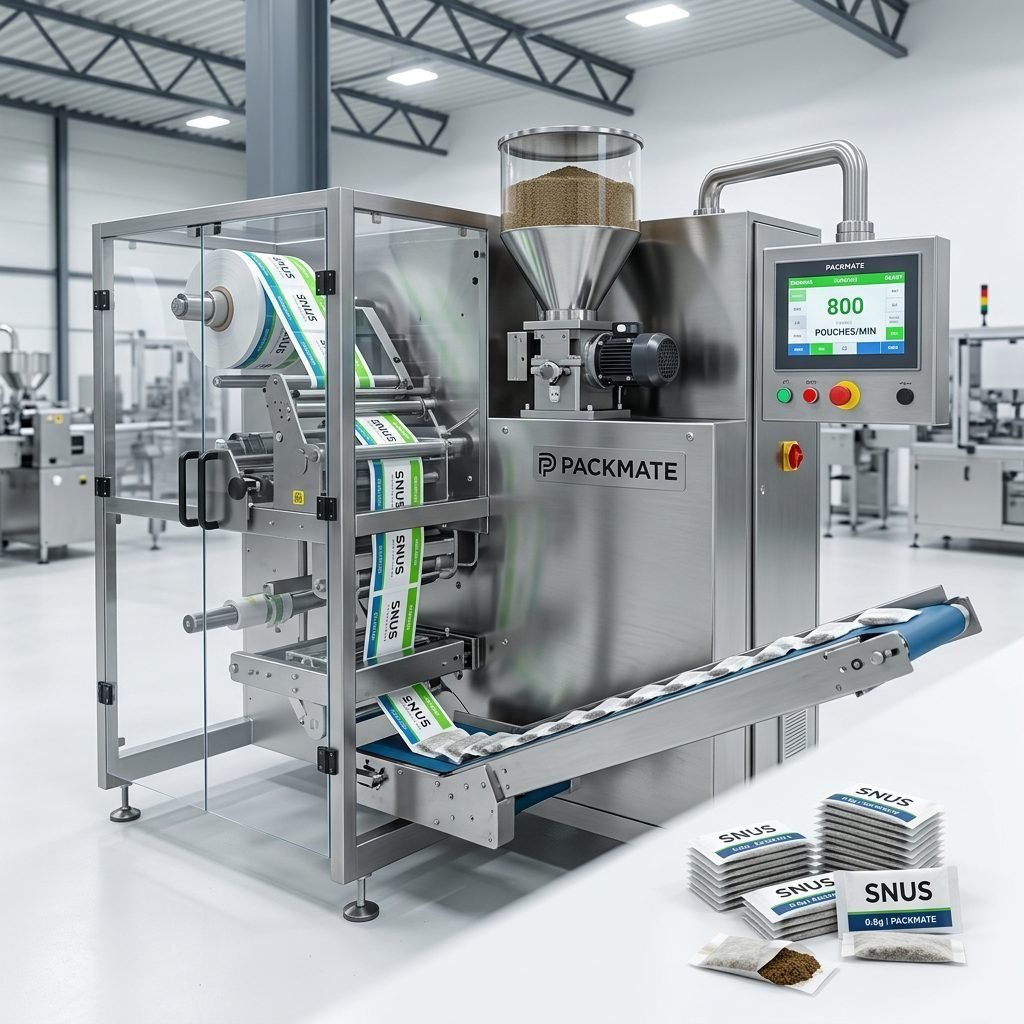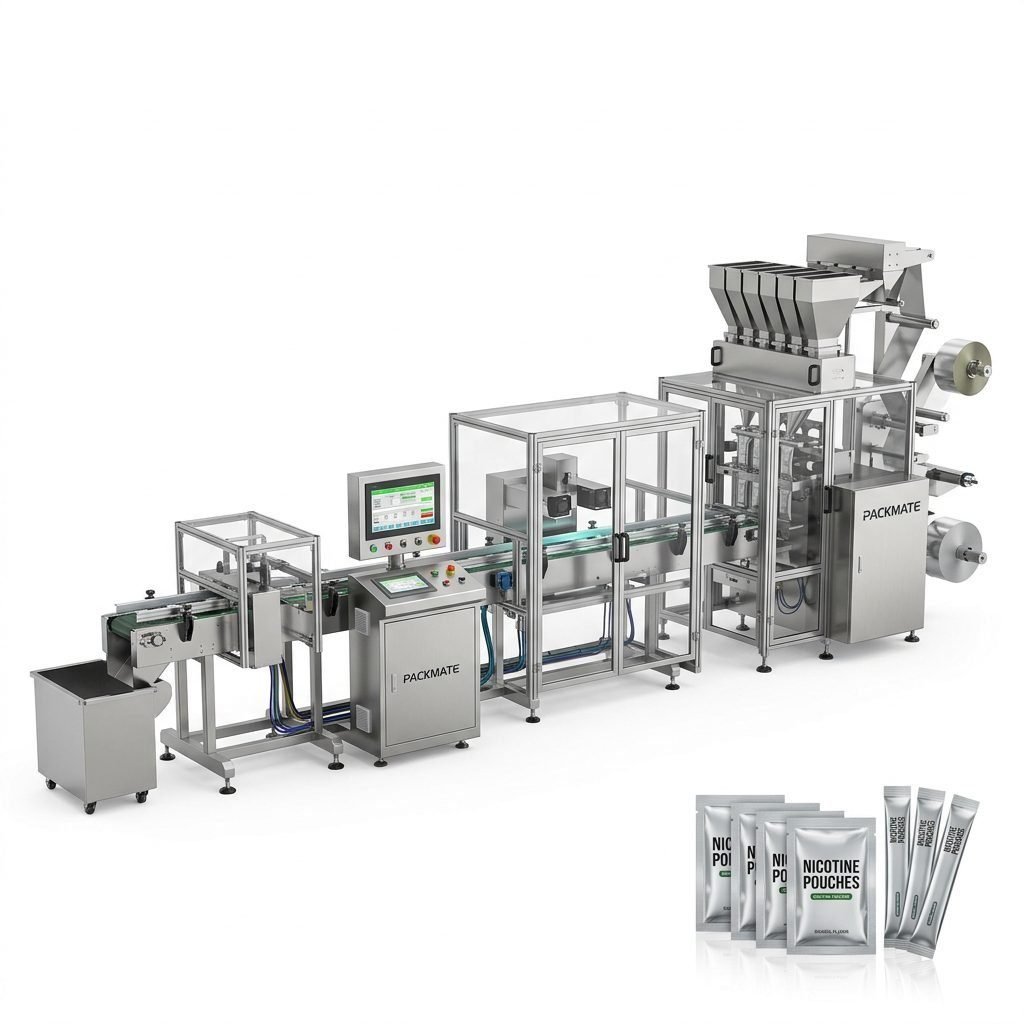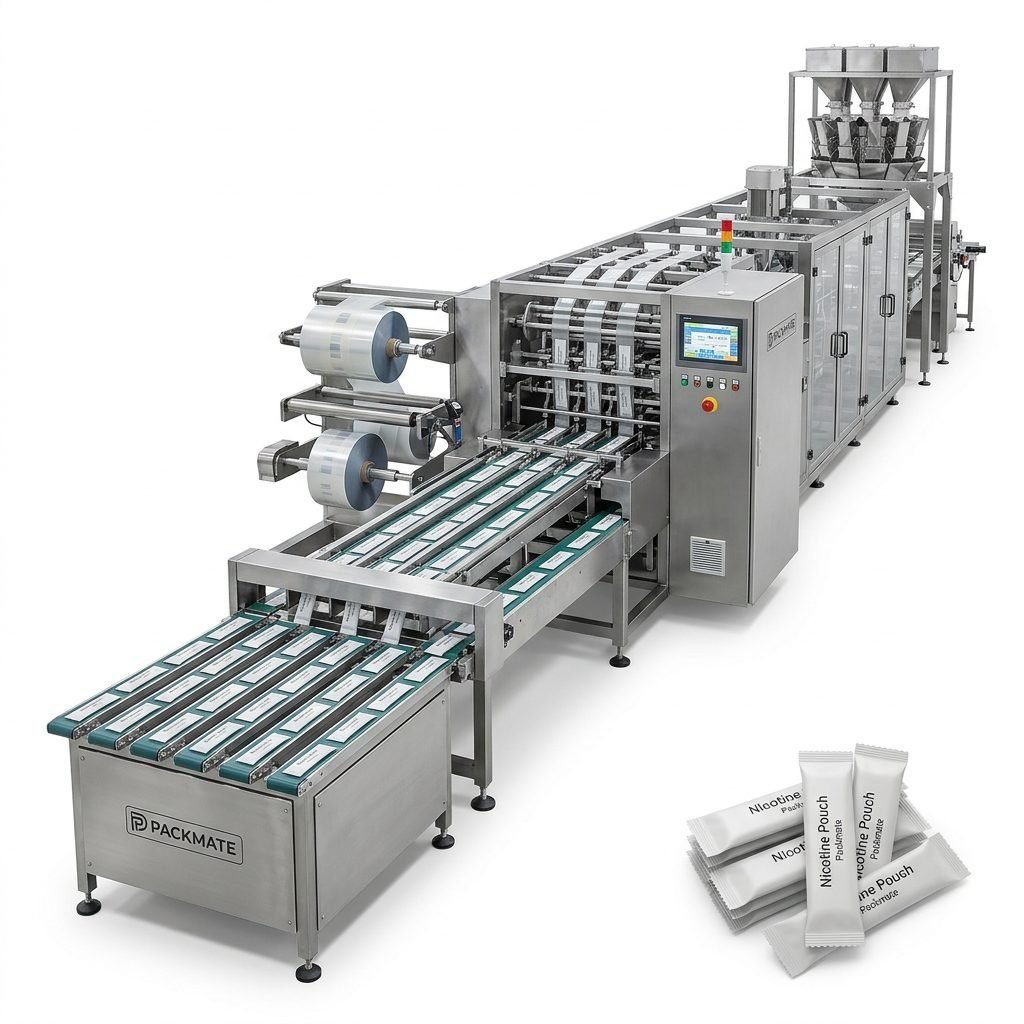
Packaging lines for snus and nicotine pouches are engineered for high speed and high precision, but even the best machines can encounter faults that interrupt production. This guide walks through the most common mechanical, electrical and control-system issues for snus packaging machines, explains common error codes you may see on HMI panels, and gives practical, easy-to-follow fixes you can apply on-site. The aim is to help maintenance teams and operators reduce downtime, improve yield, and keep your Packmate Snus Machine lines running smoothly.
Common Categories of Problems
Most issues fall into a few predictable categories: mechanical wear or misalignment, electrical faults, sensor and detection errors, and software/control and communication glitches. Knowing which category a failure belongs to speeds diagnosis and keeps corrective actions safe and efficient.
Mechanical Issues: What to Watch For
⚙️ Sealing failures — broken seals or inconsistent heating can cause open or wrinkled pouches. Check heater band integrity, thermocouple readings, and sealing bar pressure.
🔩 Cutting and web tracking — dull blades, misaligned knives, or incorrect web tension lead to ragged edges and improper pouch lengths. Inspect knife sharpness and confirm tension settings on servo or brake systems.
⚠️ Feeding and dosing — inconsistent product feed (powder, granule, or pouch insert) often comes from clogged feeders, worn augers, or incorrect vibration settings on hoppers.
Electrical & Drive Problems
Motor stalls, inrush trips, and encoder errors are common. Verify drive parameter settings, look for loose power or signal terminals, and measure supply voltages during start-up. Regularly check motor bearings for overheating or excessive noise, which can indicate mechanical load that will trip a drive.
Top Error Codes and What They Mean
Error codes shown on the HMI or inverter panels are the fastest route to a diagnosis. Below are typical codes you may find on snus packaging machines and compact explanations plus immediate actions.
E-101 / ENC-ERR — Encoder/Positioning Fault
🔍 Symptoms: Machine stops intermittently during indexing, print registration shifts, or infeed/outfeed timing goes off.
Quick checks:
-
Inspect encoder cable connectors for damage or looseness.
-
Power-cycle the drive and re-home the axis from HMI.
-
Confirm encoder shielding and earthing are intact to avoid interference.
If problem persists, replace encoder or consult the drive manual for parameter re-sync steps.
T-202 / TEMP-ALM — Heating Element/Temperature Alarm
🔥 Symptoms: Seals are weak or burnt, temperature readouts fluctuate, or heating zone fails to reach setpoint.
Immediate actions:
-
Verify thermocouple connection and wiring continuity.
-
Check SSR or solid-state relays for proper switching and replace if failing.
-
Confirm heater band ohms/resistance and replace degraded elements.
P-303 / PRESSURE-LOW — Pneumatic Pressure Low
⚙️ Symptoms: Pneumatic clamps, suction cups, or actuators do not operate reliably; intermittent sealing or pick-and-place errors occur.
Troubleshooting:
-
Check main regulator and dryer condensate — drain moisture traps.
-
Inspect solenoid valves and piping for leaks.
-
Confirm pressure sensor calibration and replace faulty sensors.
S-404 / SENSOR-OPEN — Photo/Electronic Sensor Error
🔦 Symptoms: Machine fails to detect pouch presence, print mark, or film edge leading to stop conditions.
How to fix:
-
Clean lenses and reflectors of photoeyes — dust and product residue block beams.
-
Verify sensor alignment and adjust sensitivity for varying product colors or reflectivity.
-
Swap sensor with a known-good unit to isolate wiring vs sensor failure.
Practical Step-by-Step Troubleshooting Workflow
Use a methodical flow rather than guessing. The following workflow is designed for snus packaging machines and can be applied to stick-pack, sachet, and multi-lane lines.
1. Safety First
Before any inspection, isolate the machine from power and lock out/tag out moving parts. Many faults reproduce only when the machine is running, so have a clear safety protocol when testing live.
2. Reproduce and Record
Reproduce the fault while observing the HMI messages and listening for abnormal sounds. Note time stamps, error codes, product type, and line speed — these details help identify intermittent issues and are vital when contacting service.
3. Isolate Subsystems
Break the machine into subsystems: film unwind, forming/filling, sealing/cutting, and outfeed. Isolate each to find where the fault originates. For example, a registration issue may be upstream at the film unwind tension control.
4. Apply Quick Fixes
🔧 Try these fast actions:
-
Re-seat connectors and retighten terminal screws.
-
Clear product buildup from guides, funnels, and chutes.
-
Re-home axes and run a slow test cycle to confirm timing.
Maintenance Tips to Prevent Recurrence
Preventive work reduces emergency downtime. Implement regular checks for critical wear items and calibration tasks. A few high-impact items:
-
Weekly: Clean sensors, check web tracking, inspect sealing surfaces.
-
Monthly: Check encoder cable integrity, verify heater and SSR function, test pneumatic air quality and dryer performance.
-
Quarterly: Replace wear parts — knives, belts, and bearing checks — and run full calibration of servo systems.
When to Contact Technical Support
If you’ve followed the troubleshooting workflow and the issue persists, it’s time to reach out to Packmate service. Provide these items to speed up diagnosis:
-
Machine model and serial number
-
Recent error codes and HMI screenshots
-
Video of the fault occurring (if safe to record)
-
Production parameters: pouch type, film spec, line speed
For official documentation, parts, and global service options visit the Packmate service pages or contact your local representative: Service and Contact Us.
Case Studies: Real Faults and Fixes
Below are short examples of how common faults were resolved on multi-lane snus lines.
Case A — Multi-lane Registration Drift
Problem: Over the course of a shift, print registration drifted causing miscuts on lanes 3–6.
Root cause: A loose encoder coupling on the main unwind created micro-slips undetectable at slow speed but amplified at production speeds.
Fix: Realigned and tightened the coupling, ran a complete re-homing and reset web tension to spec. Implemented weekly coupling checks.
Case B — Intermittent Seal Failure
Problem: Random open seals on nicotine pouch sachets at one sealing station.
Root cause: The SSR for the sealing zone had degraded and was not switching cleanly at certain duty cycles.
Fix: Replaced SSR and re-tuned PID on the temperature controller. Added SSR health check to the maintenance checklist.
Optimizing Settings for Different Products
Snus, nicotine pouches, powders and small-dose sachets all have unique handling needs. Fine-tuning will reduce rejects:
-
For dry powders: use vibratory feeders with anti-bridging devices and regularly calibrate dosing volumes.
-
For sticky or moist formulations: reduce dwell time through seal zone and raise sealing temperatures marginally while monitoring film compatibility.
-
For multi-lane small-dose pouches: ensure synchronized servo phases and test at lower speeds before full production.
Explore compatible equipment lines and specifications at the Packmate product pages: Snus & Nicotine Packaging Machines and Sachet & Stick Pack Machines.
Spare Parts & Upgrades That Reduce Fault Frequency
Investing in genuine spare parts and periodic upgrades can dramatically improve uptime. Key items to keep in stock:
-
Encoders, thermocouples, SSRs
-
Knife sets, sealing jaws, web guiding rollers
-
Pneumatic solenoids, pressure sensors, and suction pads
For full turnkey options including weighing and filling systems, view Weighing & Packaging Systems and Filling & Packaging Lines.
Operator Best Practices
Well-trained operators are the first line of defense. Recommended practices:
-
Run up/down checks at shift changes and report anomalies in a maintenance log.
-
Keep tooling and film samples labeled with run parameters for quick reference.
-
Use checklists for changeovers to ensure correct knife, temperature, and speed settings.
✔️ Tip: Keep a digital folder with photos of correct machine setups and acceptable pouch samples. This reduces subjective judgement during quality checks and speeds troubleshooting.
Summary — Quick Reference Checklist
Use this short checklist to triage common faults before escalating:
-
Read and log error codes from HMI.
-
Check encoders, sensor alignment and wiring connections.
-
Verify heating elements, SSRs and thermocouples for seal faults.
-
Inspect pneumatic pressure, dry air and solenoids for actuation issues.
-
Run slow test cycles after adjustments and document results.
Frequently Asked Questions (Common Problems)
Q1: Why do seals fail intermittently on one lane only?
A1: Often due to localized heating element degradation, uneven pressure on sealing jaws, or an obstructed feed. Check element resistance, jaw alignment, and clear any debris.
Q2: The HMI shows encoder errors but the motor runs — what should I test first?
A2: Inspect encoder cables and connectors for wear, check grounding, and re-home the axis. Replace the encoder if intermittent failures persist.
Q3: My machine trips on motor overload during start-up. What causes this?
A3: Check for mechanical binding, bearing seizure, or an incorrectly tuned VFD/servo parameter. Remove mechanical loads and try a slow jog to isolate.
Q4: Product dosing is inconsistent after a changeover — how to stabilize it?
A4: Re-calibrate feeders and verify hopper vibration settings or auger pitch. Run a short sampling sequence and adjust dosing profiles while monitoring weight or volumetric output.
Q5: Who do I contact for guided troubleshooting and parts?
A5: Reach Packmate technical support via the Service page or Contact Us for spare parts, field service, and firmware updates: Service | Contact Us.